Import your animal stock
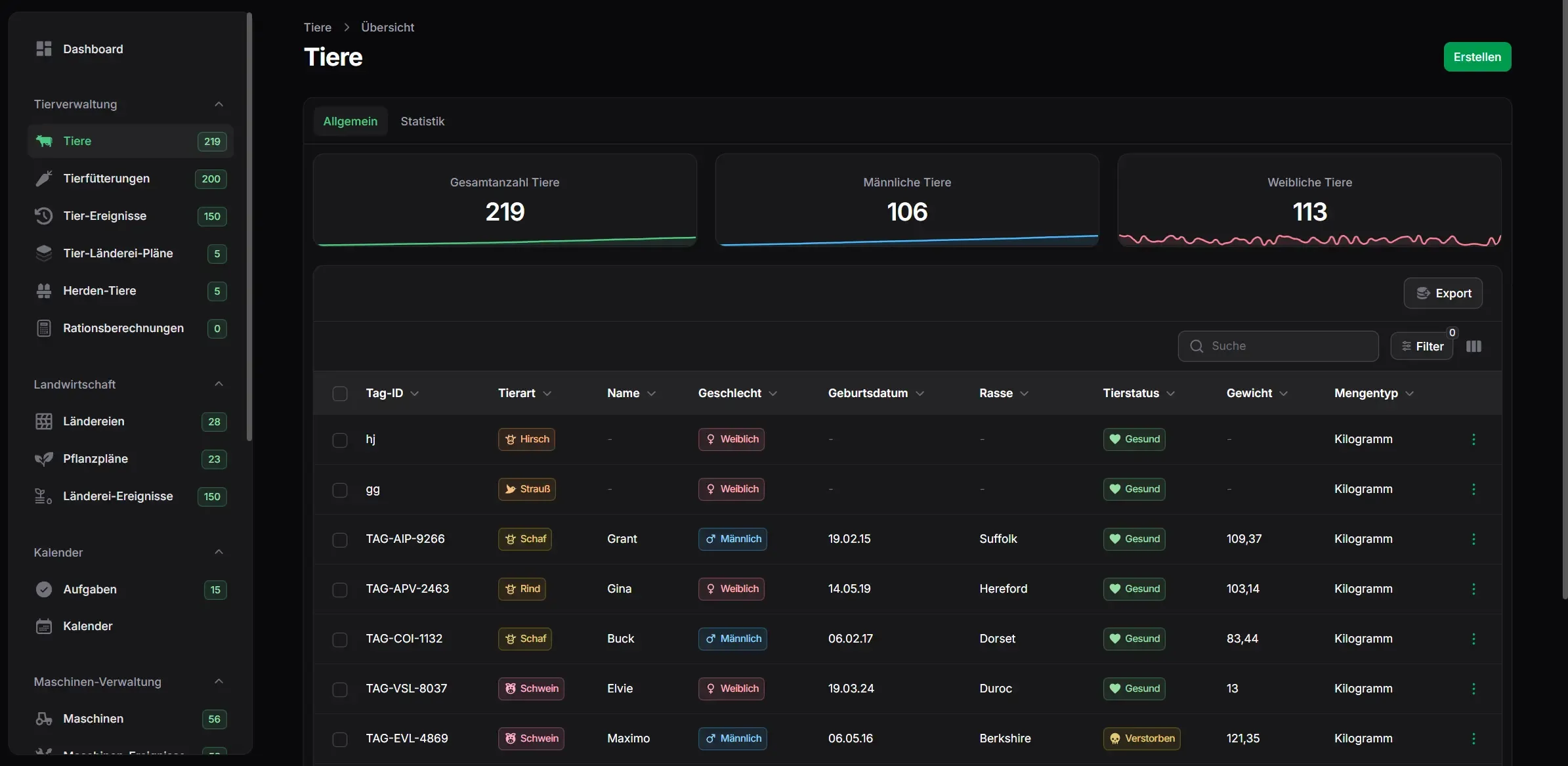
The stock held in HI-Tier is imported into FarmManager. You don't start from zero, and you don't retype a single ear-tag number.
The report is generated from the events you record on the animal anyway, not from a second table. Selling an animal immediately creates the departure as a prepared report, instead of making you enter it a second time.
| Cattle | Birth Arrival Departure Death Slaughter |
|---|---|
| Pigs | Arrival Departure Census report Death report |
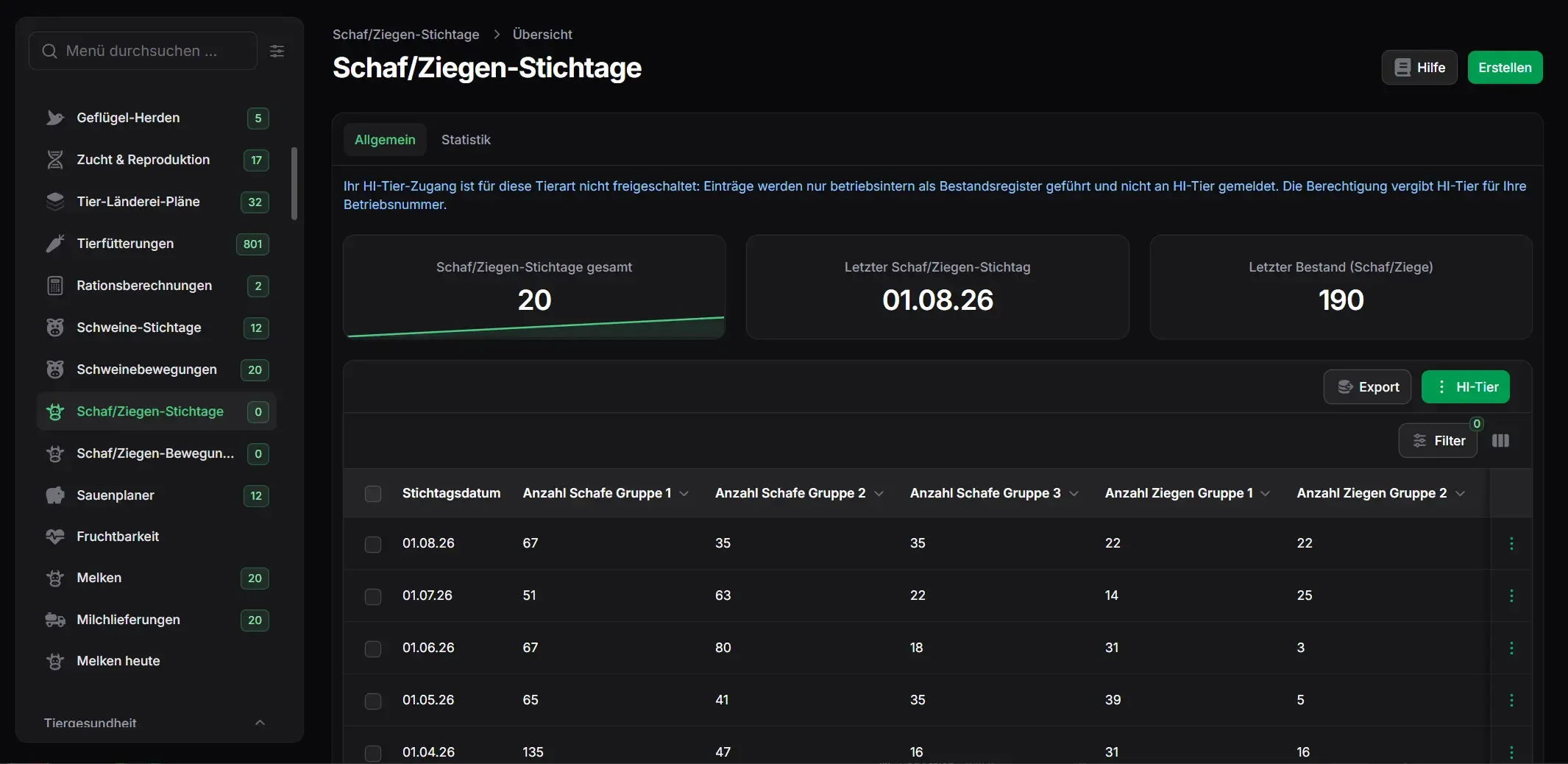
| Sheep & Goats | Arrival Departure Census report |
| All species with veterinary medicine use | Antibiotic quantity report Usage-type declaration Report withdrawal |
The sync pulls what the database holds on your farm and compares it with what's recorded in your farm records.
The stock held in HI-Tier is imported into FarmManager. You don't start from zero, and you don't retype a single ear-tag number.
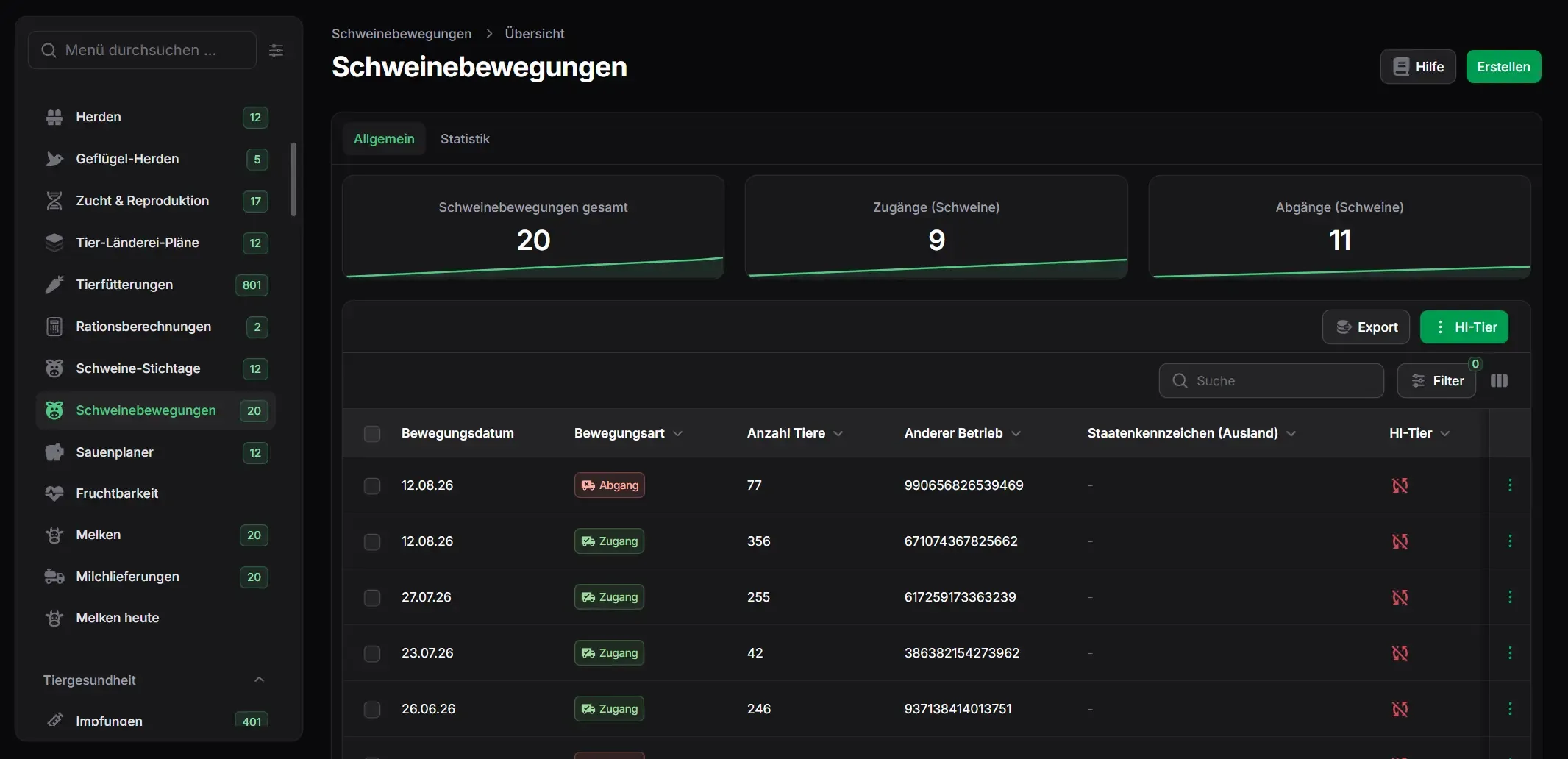
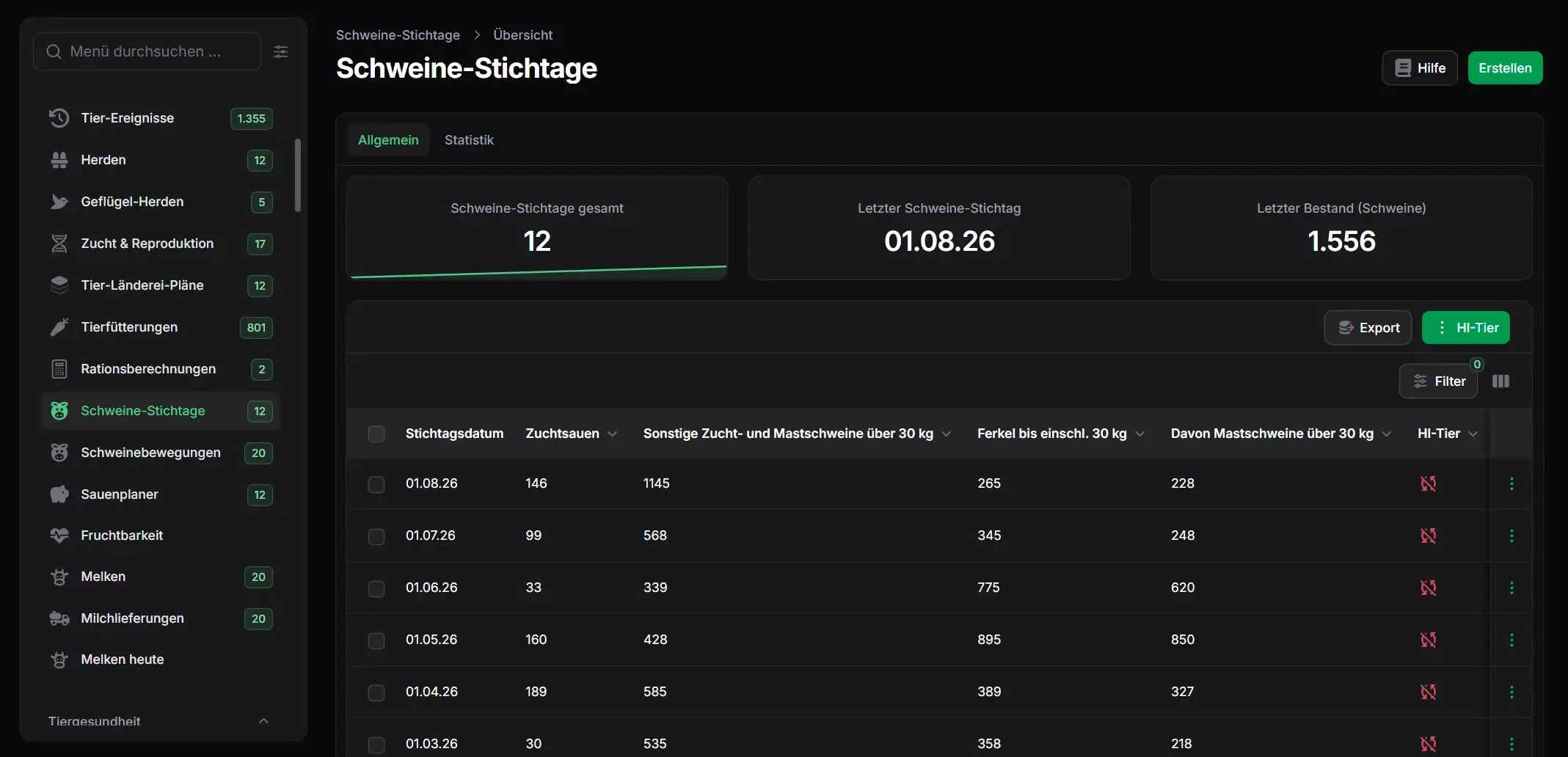
Pig movements and census reports are read in from HI-Tier and compared against your stock.
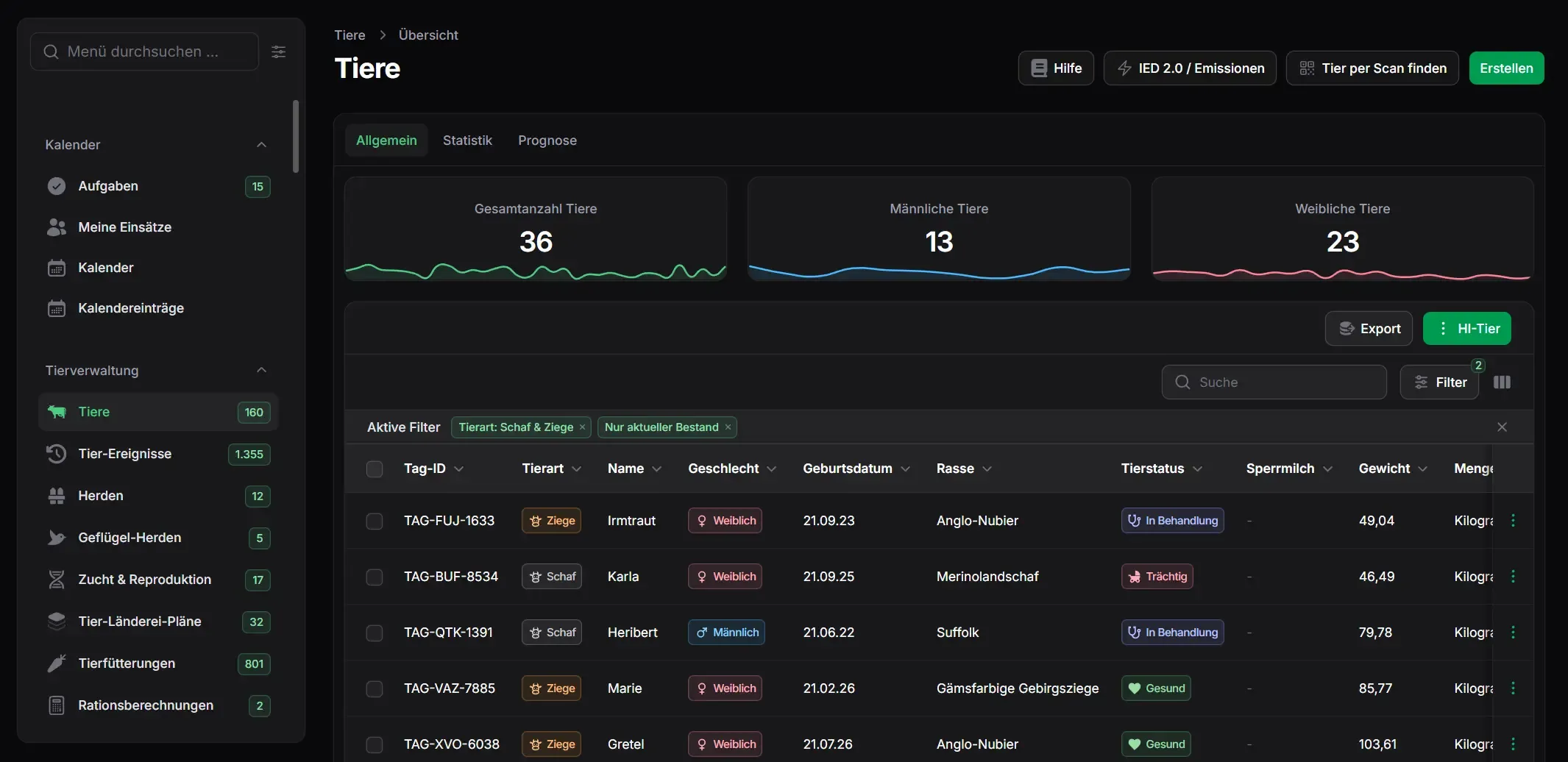
The same retrieval runs for sheep and goats — movements and the census report come from the database into your farm.
You decide per farm whether the sync runs at the push of a button or automatically whenever something changes.
If something doesn't match, a visible entry is created with a severity level — notice, warning or error — instead of a silent discrepancy.
Holding numbers are looked up in the HI-Tier directory and shown together with the farm name, instead of being typed in blind.
FarmManager knows which events must be reported and can see which of them haven't reached HI-Tier yet. Which deadline applies is set out in the German regulation — what happens here is that it doesn't pass unnoticed.
The connection is set up per farm. If you run several farms, you set up each one individually — separate access, separate reports.
Your HI-Tier holding number and PIN are stored on the farm profile, along with your co-user ID if you work with one.
Manual means you trigger the sync yourself. Automatic means it runs on its own whenever something changes.
After you save, the first sync starts and imports the stock held in HI-Tier. From then on it runs in the mode you chose.


Try the connection with your own access, or take a look first in the live demo — no sign-up required.