Modules

Quality, Safety & Traceability

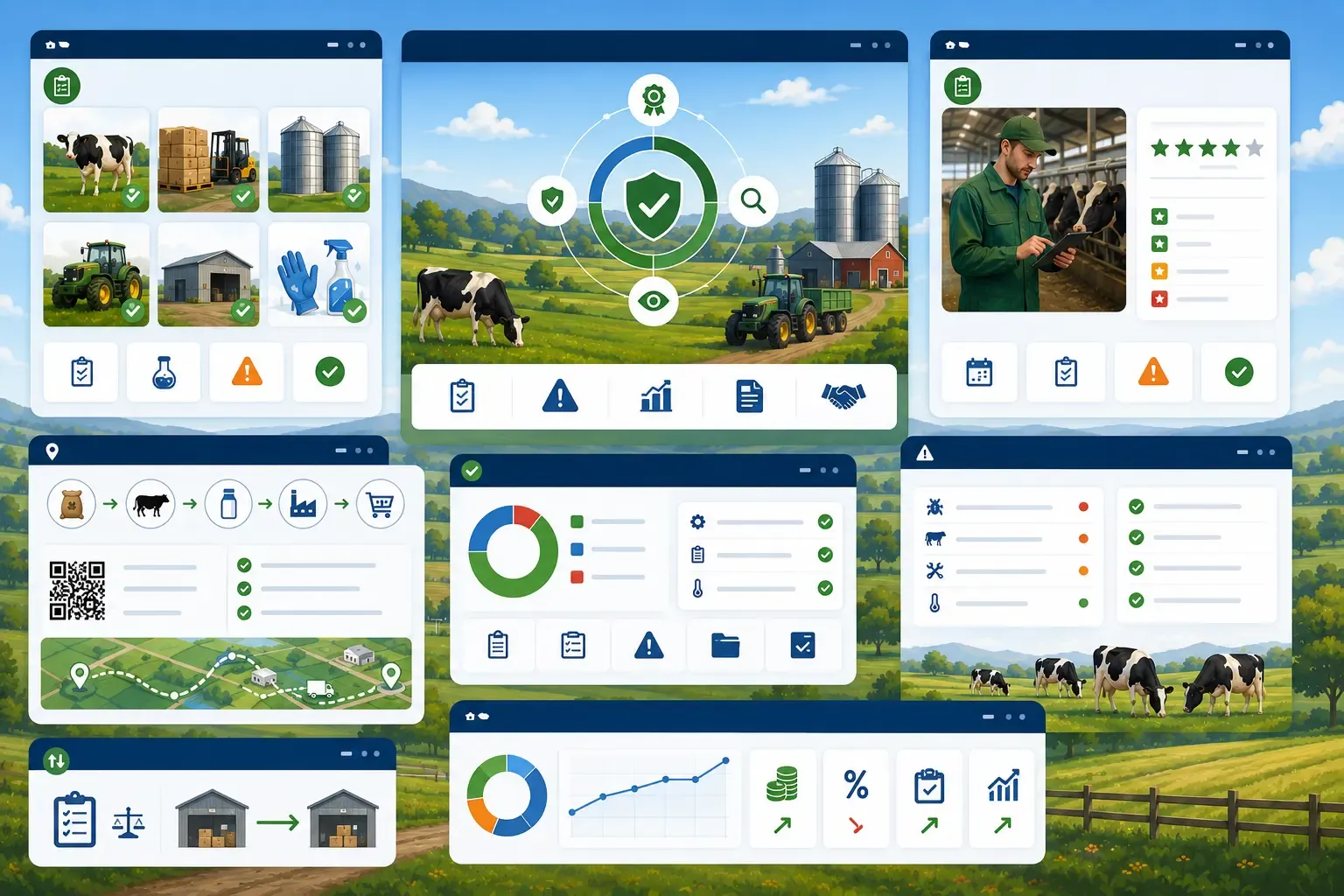
Make food safety, occupational safety and provenance provable — HACCP self-checks, traceability from sale back to a purchased batch, a central supplier directory and risk assessments under ArbSchG. FarmManager automatically reminds you of overdue hygiene checks and of upcoming reviews of risk assessments.

11capabilities
App windows over a farmyard scene with cows: six checked-off inspection photos of animals and storage, a farmer with a tablet and star rating in a barn, a supply chain from feed sack to a QR code with a route map, and a hazard list with traffic-light icons.
capabilities

Quality, Safety & Traceability: 11 capabilities

01

Inspection Plans per Operating Area

Set up HACCP self-checks (§ 4 LMHV) per area: storage area, milk production, egg production, direct marketing or general operational hygiene. Every checklist gets freely defined inspection points with a key, label and an optional note for the operator.
02

Inspection Frequency and Automatic Due Date

Choose the cadence — one-time, weekly, monthly, quarterly or annually. The next due date is calculated automatically from the last inspection date and the frequency, and flagged in colour in the table (overdue in red, due within 7 days in yellow). If an active checklist is overdue, the farm members whose role may view hygiene checklists receive a reminder in the app and by email.

03

Executions with Assessment, Findings and Signature

Record every inspection with date, responsible operator and an OK/Failed/N/A answer per inspection point. The result 'Passed' is set automatically and drops as soon as one inspection point is marked 'Failed'; blank or N/A answers leave the run passed. For every execution, additionally document findings, the corrective action taken and the name of the signing person.

04

Traceability Forward and Backward

Every crop and animal sale is shown as a seamless chain – for store sales, field → harvest → storage batch → sale → buyer; for animal sales, animal → lot/batch → sale → buyer. For every purchased storage batch, the report shows the supplier; for batches from your own harvest, the source field along with the inputs used (plant protection, fertilization, farmyard manure). This fulfils both steps – the 'one step forward' and 'one step back' obligation under Art. 18 EC 178/2002.

05

Consolidated Goods Receipts

The Goods Receipts tab bundles all intakes for the period from storage batches, medication batches, incoming farmyard-manure transports and expenses with a supplier link. It shows source, supplier, goods/item, batch, document, date and quantity, sorted by date descending.

06

One-Click Provenance Certificate

From the sales table, generate a print-ready A4 provenance certificate for an animal or storage sale with a forward and (for storage sales) backward chain. The document carries the footer text on traceability per Regulation (EC) No. 178/2002 Art. 18.

07

Central Supplier Directory

Record your suppliers with name, contact person, email, phone, full address, VAT ID and supplier number. Every supplier can be flagged active or inactive, and you can filter the list by it.

08

Type Classification of Suppliers

Assign every supplier to one of seven categories: seed, feed, fertilizer, plant protection, animals, service provider or other. You filter the supplier list by this category; it also appears in the export.

09

Company Number (BNR 15) with Format Check

Record the 15-digit company/registration number (VVVO/HI-Tier) for animal suppliers. Entry is validated against the valid BNR-15 format, so traceability of animal-origin deliveries stays provable.

10

Register per § 5/§ 6 ArbSchG

Keep your farm's risk assessments as a register. For every entry you record a title, area (e.g. barn, workshop, storage), status (draft, in force, archived), assessment date, the responsible user, the identified hazards and measures taken, notes and a document as PDF or image. A filter shows due reviews, a chart the due dates of the next twelve months.

11

Next-Review Date and Reminder

Set a review interval from 1 to 120 months – the "Next review" field is calculated automatically from the assessment date plus the interval and cannot be overwritten manually. When a review is due or overdue, the farm members whose role may view risk assessments receive a reminder in the app and an email with the title and deadline of the affected assessments; reminder emails are bundled by default.

Common questions

Frequently asked questions

Quick answers to the questions farms ask most often about this module.

Modules

Other modules

Explore more modules from this area — each one is built to work seamlessly with the others.

Calendar & Tasks

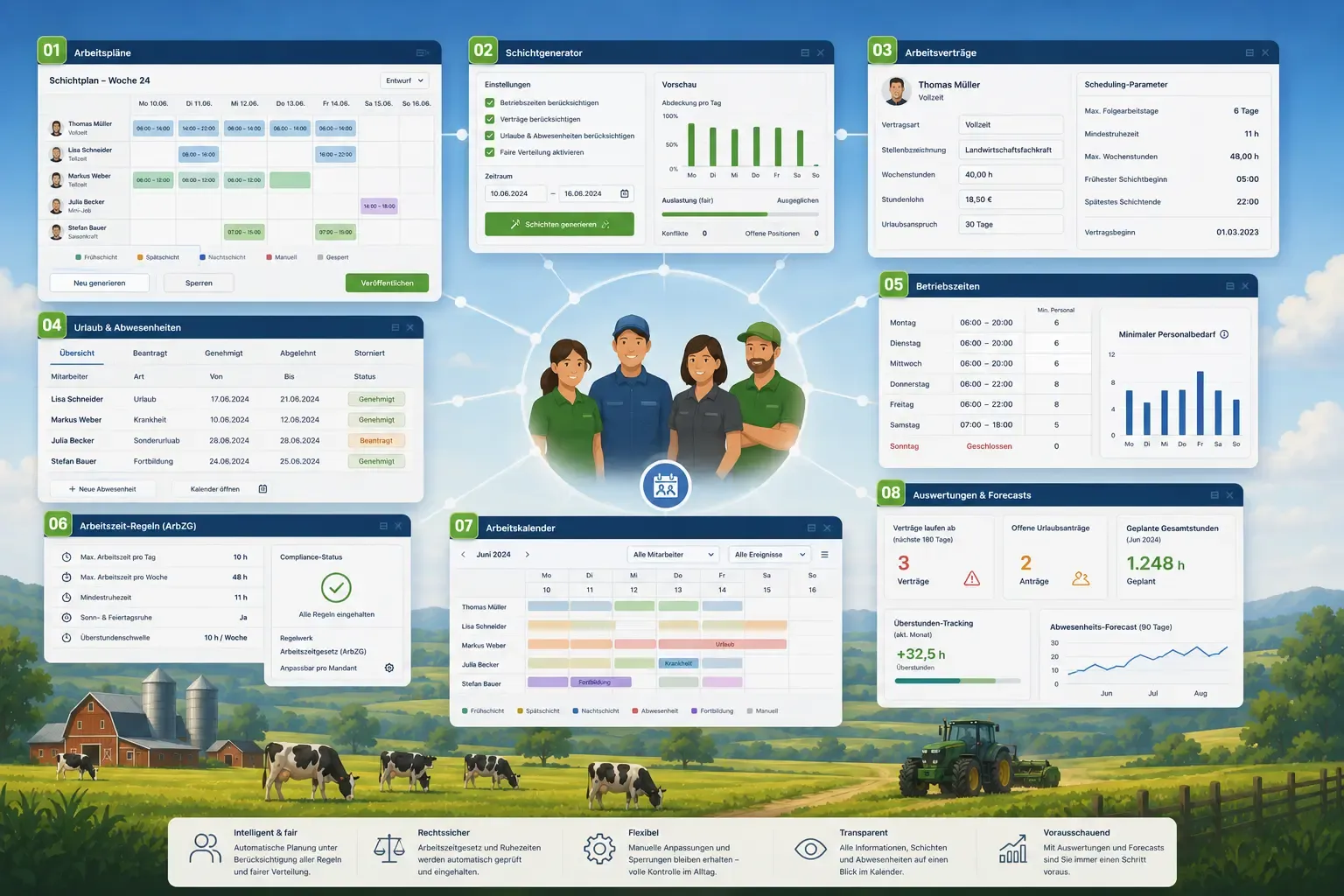
Personnel Planning

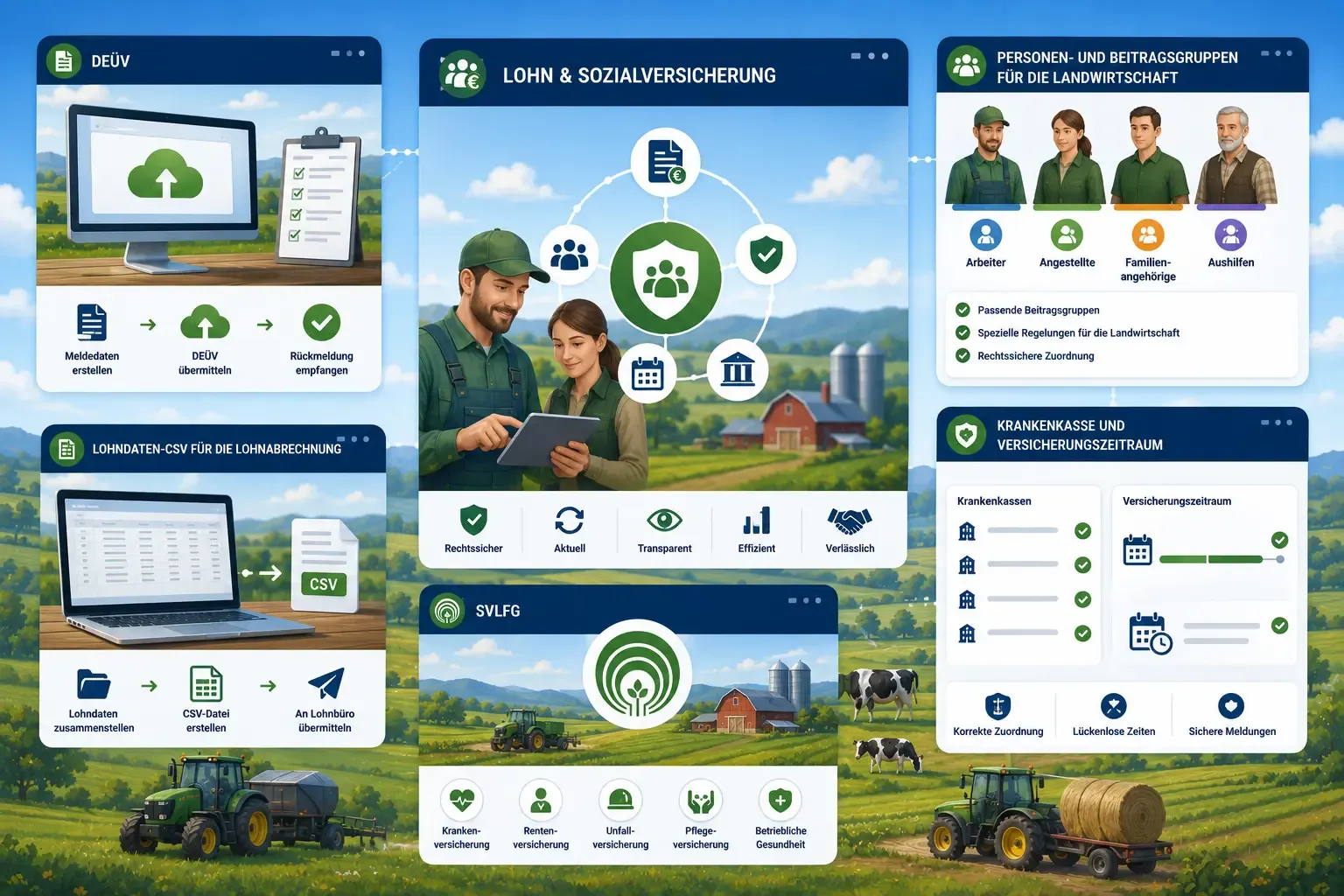
Payroll & Social Insurance

Built for real farms and modern operations

Scale from small farms to large enterprises.