Modules

Analytics & Administration

Scale your agricultural business with advanced organization tools and granular security controls.

8capabilities
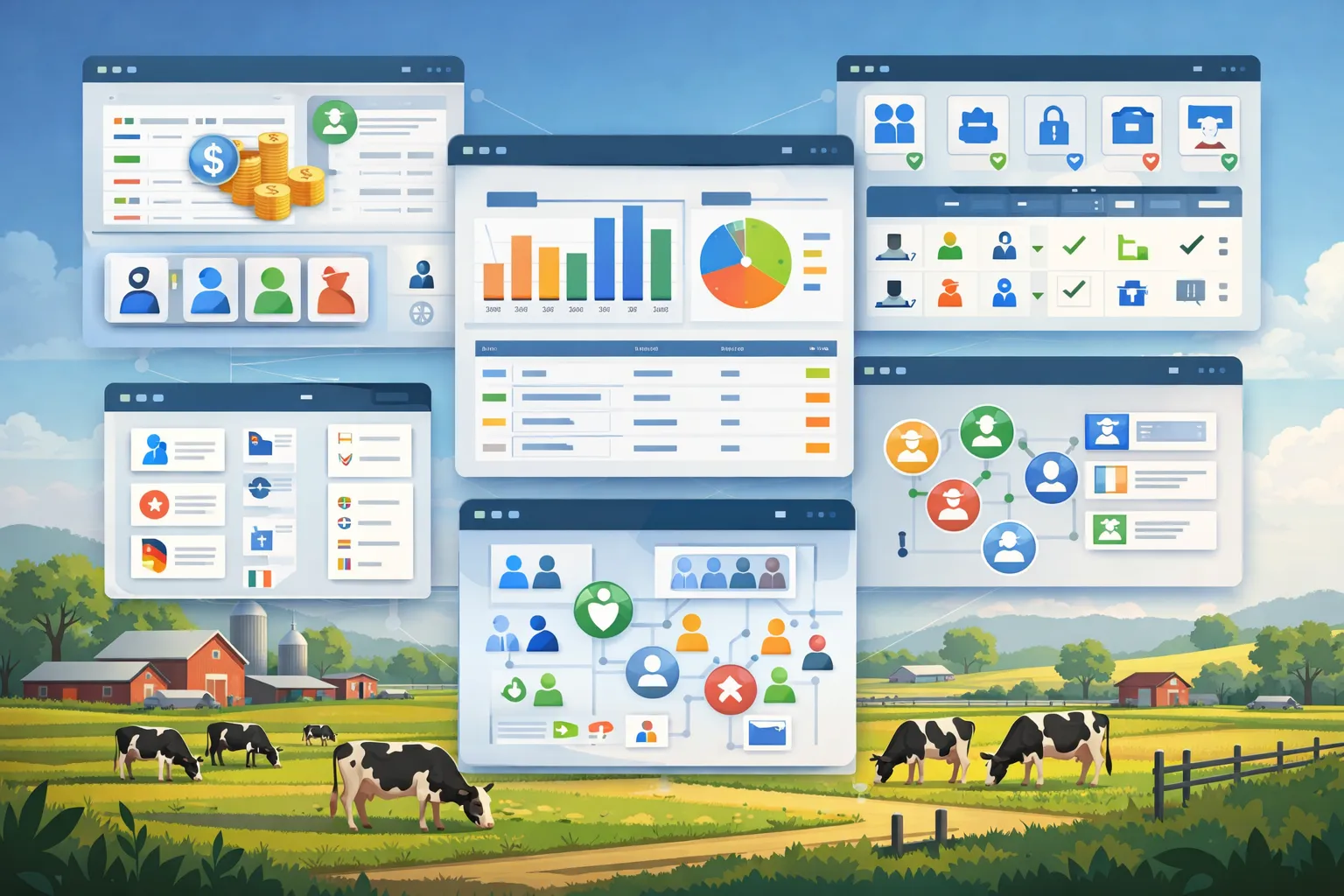
App windows over a pasture with cows: a user list with role colours, bar and pie charts, a permissions table with role dropdowns, a list of country flags, and an org chart of connected people icons.
capabilities

Analytics & Administration: 8 capabilities

01

Users, Roles & Permissions

Invite employees by email – they receive a start password that they must change at first sign-in. Accounts can be deactivated and restored, and licences assigned individually or in bulk. Each person receives one or more of almost 30 predefined roles and sees only the modules that belong to those roles. In addition, permissions such as create, edit, delete or manage users determine which actions they may perform there.
02

Teams

Assign employees to teams for specialized or structured organization.

03

Sign-in & Account Protection

Protect your account with a second factor from an authenticator app, including recovery codes, or sign in in the browser with a passkey – with fingerprint, face recognition or device PIN. After the two-factor prompt, you can mark a device as trusted for 30 days, in the app only with the app lock switched on. Up to ten such devices appear in the profile and can be revoked individually; a password change revokes all of them.

04

Privacy Tools

Every user downloads their own account and profile data as a JSON file. Admins export the data of an employee and delete it on request – what has to be retained is pseudonymised instead of deleted. Anyone who deletes their own account confirms it by email link; afterwards the person is removed from all farms and their account data is made unrecognisable. What a farm keeps about them as an employer – such as employment contracts, working hours or the social-insurance profile – stays with the farm; admins can still export it afterwards and delete it on request. The data processing agreement and the record of processing activities are available directly in the app.

05

Farm Profile & Own Menu

In the farm profile, the admin defines which animal species the farm keeps and which areas it works in – FarmManager hides modules that do not fit. Each user additionally adjusts their sidebar per farm and brings hidden modules back when needed. On first sign-in, a setup dialog leads there.

06

Dashboard

See the key figures and notices of your farm at a glance. The “Details” view groups them by area, which each user shows or hides for themselves. In the “Standard” view, the dashboard also lists, in every plan, the next statutory deadlines – the collective application (Sammelantrag) and AUKM, and with TAM switched on also the TAM half-year reports –, ordered by the penalty for being late; farm management ticks them off or hides them.

07

Activity Log per Farm

Every farm has its own activity log – who changed what and when, with old and new value. Each logged record shows the same history in its activity view; whoever may edit the record restores an earlier value there, and that is recorded as well. Not every single entry is logged – weighings or milking sessions, for example, are not.

08

Reset the data of one holding

A holding can be reset from the profile back to the state of a fresh registration — useful when a trial phase ends and the real data begins. Farm, users, subscription, activity log and GoBD journal are kept. The FarmManager team enables the function on request; it is triggered only after you enter the holding name and password.

Common questions

Frequently asked questions

Quick answers to the questions farms ask most often about this module.

Modules

Other modules

Explore more modules from this area — each one is built to work seamlessly with the others.

Storage & Warehouse

Contracting Business

Finances

Multi-Farm Management

Built for real farms and modern operations

Scale from small farms to large enterprises.