Modules

Finances

Income, expenses and marketing in one place. Much of what is already recorded in the barn, field and workshop books itself as an income or expense. Financial reports, EÜR and operating-branch analysis show your farm's result and cash flow; FarmManager calculates machine depreciation under § 7 EStG per machine and shows it in P&L, tax report and EÜR.

24capabilities
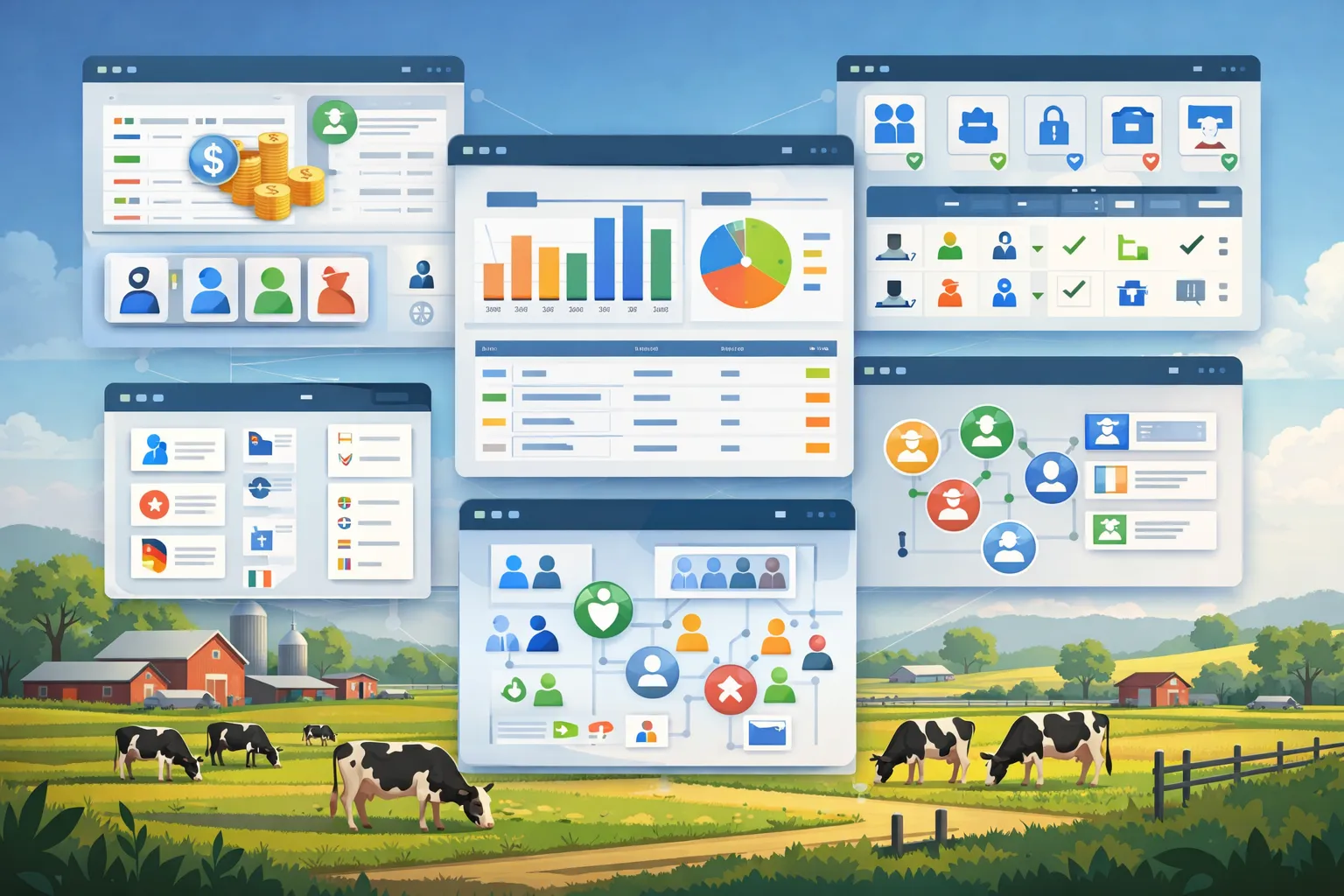
App windows over a pasture landscape: bar and line charts next to cash, invoice icons with dollar signs and a calculator, a farmer with a tablet in front of icon tiles, and charts next to a money bag.
capabilities

Finances: 24 capabilities

01

Expense Tracking

Record every expense with category, VAT rate, document number and supplier – from feed, seed and fertilizer through fuel and plant protection to labor. When you create one, "Read document" takes supplier, document number, date and gross amount from a supplier PDF with a text layer into the form; it does not read scans without a text layer or individual line items, and you check the values it takes over before saving. Tabs for statistics and forecast show seasonality, growth per category, the largest suppliers and the trend.
02

Income Management

Record sales of livestock, crops and produce, subsidies, insurance payments and other income, each with income type and VAT rate. Tabs for statistics and forecast show seasonality, growth per income source and the trend.

03

Marketing – Animal Sales and Supply Contracts

Record animal sales with the buyer from your customer list or a name you enter freely, with number of animals, price per animal and weight; every sale books an income automatically, which is removed again when you delete the sale. If you wish, you take a sold individual animal off the herd straight away; FarmManager prepares the HI-Tier departure report (it is transmitted with automatic HI-Tier synchronisation), and you print the delivery note, the weighing note with gross, tare and net weight and the proof of origin directly. Supply contracts for animals or crops record buyer, quantity, price and delivery period; the assigned sales show how far a contract has been fulfilled. The marketing report shows the revenue per customer for a period of your choice.

04

Financial Reports and EÜR

Create journal, budget overview, cash flow, forecasts, P&L, quick view, tax reports and subsidy evaluations for any period you choose. In addition there is the income-surplus statement (EÜR) per fiscal year – calendar year or, alternatively, from 1 May, 1 July, 1 September or 1 October – with business income and expenses by type, an AfA line and profit or loss, also as a print version – an internal evaluation that does not replace tax advice. Machines sold or scrapped in the fiscal year are listed in the EÜR with their residual book value according to the AfA plan for information only; it is not deducted as an expense. If the tax report covers exactly one deviating fiscal year, it shows for information how that year's profit is split pro rata across the two calendar years (§ 4a EStG). You create the asset register of your machines per fiscal year, structured like the Anlage AVEÜR – with acquisition costs, book value at the start, additions, AfA, disposals including residual book value and book value at the end, as PDF or CSV. It is an aid for filling in the form; nothing is transmitted.

05

AfA per § 7 EStG

For each machine you choose the AfA category from the BMF AfA table (tractors, combine harvesters, trailers, ploughs and many more) and the method – linear, declining balance (only for acquisitions within the statutory periods, otherwise FarmManager calculates linear) or GWG (written off in full in the year of acquisition). FarmManager recognizes acquisitions up to €800 net as low-value assets and suggests the immediate write-off. The period's AfA appears per machine in P&L and tax report, and you receive the asset register according to the Anlage AVEÜR for each fiscal year as PDF or CSV – an internal evaluation that does not replace tax advice.

06

Cost Allocation

Assign every expense and income to an animal, a field or a machine and filter the lists by them; bookings from a contractor job are collected at the job. The operating-branch analysis summarises the assignments by animal species, crop, area type and services – a basis for decisions on investments and costs.

07

Incoming E-Invoices

Upload e-invoices from your suppliers as XRechnung (UBL or CII) or as a ZUGFeRD/Factur-X PDF – in line with the German e-invoicing obligation. FarmManager reads the invoice data, checks the structure against the XML schema and lists errors; it does not check the KoSIT business rules. The original file stays available for download. "Book as expense" turns the invoice into an expense, a credit note from the supplier reduces it; FarmManager never books invalid invoices automatically.

08

Automatic Bookkeeping

What is already recorded elsewhere in FarmManager, you do not book a second time. A purchased animal books a livestock expense; an animal marked as sold, an animal sale from marketing or a store sale books an income; a completed crop plan books a crop-sale income from yield × sale price – as an estimate, until the first sale of that harvest from storage is booked. Stock receipts, fuel, field work and machine events bring their costs along as an expense, a monthly run books the wage expense per employee, and a paid outgoing invoice becomes an income. FarmManager books ingested e-invoices as an expense if you switch that on in the e-invoice settings – it is off by default. Every source produces exactly one booking. Change the source and the booking changes; delete or revert it and the booking disappears again.

09

Register Commercial Correspondence

Log incoming and outgoing commercial correspondence that you retain under § 257 Abs. 4 HGB as a searchable register. For each letter you set direction (Incoming/Outgoing) and type: quote, order, order confirmation, delivery note, complaint or other. FarmManager files an order placed in purchasing itself as an outgoing order with its PDF, and likewise the delivery note you upload at goods receipt.

10

E-Invoice: ZUGFeRD and XRechnung

Generate hybrid ZUGFeRD/Factur-X invoices in the EN16931 profile (PDF/A-3 with embedded CII XML) or pure XRechnung 3.x XML, with units as UN/ECE Rec 20 codes. The buyer's VAT ID and – for public-sector buyers – the Leitweg-ID come from the customer record; you have to submit the XRechnung yourself, for example in the buyer's invoice portal. You create a credit note or cancellation from the invoice as its own document from the same gapless number range, in the e-invoice as type 381 with a reference to the original. Each item carries its tax category – taxable, zero rate, tax-exempt with exemption reason, reverse charge, intra-Community supply, export or non-taxable. ZUGFeRD and XRechnung show the tax separately per category. For reverse charge and intra-Community supplies, finalising requires the customer's VAT ID, and for intra-Community supplies also that of your farm.

11

Rolling Liquidity Forecast

A monthly forecast over 6, 12 or 18 months (default 12) compares expected inflows and outflows per month and chains them into a closing balance: opening balance + inflows − outflows. Each month's closing balance becomes the opening balance of the next month. An optional as-of date sets the starting month.

12

Debt Service and Lease Rent in the Forecast

The instalments of your running loans appear as a planned outflow in the liquidity forecast — in the month they actually fall due under their payment frequency, taken from the amortization schedule and never to be recorded a second time. The same goes for the annual lease rent, as soon as you store the due month on the lease contract — it then shows up in exactly that month until the contract ends. Without that entry it deliberately stays out, because FarmManager does not guess the date.

13

Tiered Analysis per DLG Scheme

The BZA breaks down every operating branch into four tiers: output, − variable costs = contribution margin, − direct fixed costs − overhead allocation = result after fixed costs, − imputed costs = branch result. For animal branches it also shows the contribution margin per livestock unit (LU), for crops and areas per hectare. Positive results are shown in green, negative in red; the "Total" row sums all branches.

14

DATEV Posting Batch for Your Tax Advisor

Via "DATEV posting batch" in the export menu of the expense list you generate, for a freely chosen period, one EXTF posting-batch file per fiscal year – expenses and income together in one CSV, with one line per tax rate and category for payments on invoices with several tax rates or tax categories; if the period spans the start of a fiscal year, you receive the files together as a ZIP. In the DATEV settings you choose your chart of accounts – SKR 03, SKR 04 or SKR 14 – and enter the SKR account and BU key for each income and expense type, plus a BU key for each tax category, for example for reverse charge; the accounts apply per chart. Once they are entered, the file can be imported; the batch is locked only by your tax advisor in DATEV. The export reports bookings without an account with their count and leaves out bookings of 0.00. As the start of the fiscal year, the file header shows the first day of the fiscal year in which the period falls – depending on your choice in the DATEV settings, 1 January or 1 May, 1 July, 1 September or 1 October; agree on the choice with your tax advisor.

15

Loan Register with All Terms

Record every loan with lender, loan amount, nominal interest in percent p.a., term in years and status from active to repaid. Choose the matching loan type per loan – the constant annuity loan, the instalment loan with constant repayment or the bullet loan with repayment at the end of the term – and store interest-only grace years as well as the payment frequency monthly, quarterly or annually, which feeds into the calculation

16

Automatic Amortization Schedule with Debt Service and Total Interest

The amortization calculator builds the full schedule for each loan from interest portion, repayment portion, instalment and the remaining debt until full repayment, and reports the total interest accruing over the full term per loan. Metrics summarize loan amount, current remaining debt and the annual debt service across all active loans

17

Policy Register with Type, Coverage and Premium

Bring together all farm policies with insurer, policy number, insured object and expiry date in one place. Assign every policy to a type – from multi-peril and hail through operational liability, animal, machinery and buildings to legal expenses – and store the sum insured, deductible and annual premium, so you keep an overview of the premium burden of the whole farm

18

Premium Subsidy and Notice Periods

Flag premium-subsidy-eligible policies and record term and notice period in months – so the expiry date and notice period of every policy are in the register. An automatic reminder of the cancellation date exists only for lease contracts, not for policies.

19

Lease Contracts with Lessor, Term and Status

Record every lease contract with lessor, contact details and an optional link to the leased field from your land management, as well as with start, end, notice period in months and the status active, terminated or expired

20

Warning Before the Notice Period Runs Out

From the contract end and the notice period on file FarmManager works out the last possible termination date and reminds you before that date — in the app and by email; a date that has only just passed is still reported. Nothing is ever terminated automatically — you get reminded, the decision stays yours. For contracts without an end date or without a notice period the warning cannot be calculated.

21

Lease Rent Annually and per Hectare

Record the leased area in hectares, the annual lease rent and the lease rent per hectare as a basis for your field calculation — plus, optionally, the due month with which the lease rent feeds into the liquidity forecast

22

Average Lease Rent and Expiry by Year

Metrics show the average lease rent per hectare; an analysis bundles expiring lease contracts by year for forward-looking planning

23

Cost centres, four levels deep

Structure the holding up to four levels deep — farm, area, barn or field, detail. Barns, fields and contract jobs are adopted from your own records and keep their names; your own cost centres sit alongside them, with an optional code for the books. Seven cost centres for time without a fixed place ship with the product — yard, errand, workshop, travel time, training, administration and other.

24

Report hours per cost centre

Stamped hours carry the booking target you choose when clocking in – pre-filled with the one chosen last and changeable during the shift. So the hierarchy shows how much working time falls on which area. Cost centres can be filtered by kind and exported. When one is no longer needed you set it to not bookable — it leaves the picker but stays visible on the time already booked to it.

Common questions

Frequently asked questions

Quick answers to the questions farms ask most often about this module.

Modules

Other modules

Explore more modules from this area — each one is built to work seamlessly with the others.

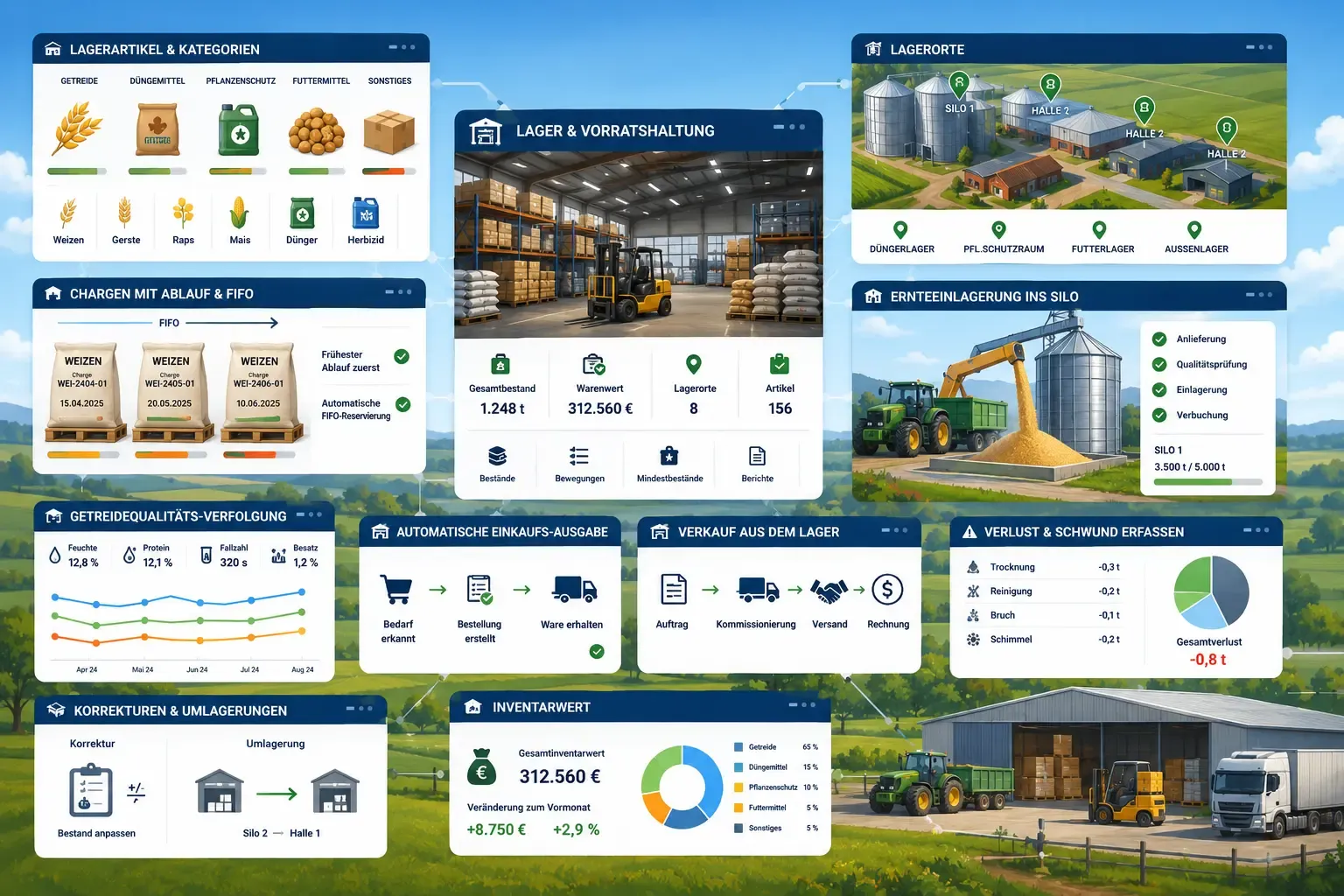
Storage & Warehouse

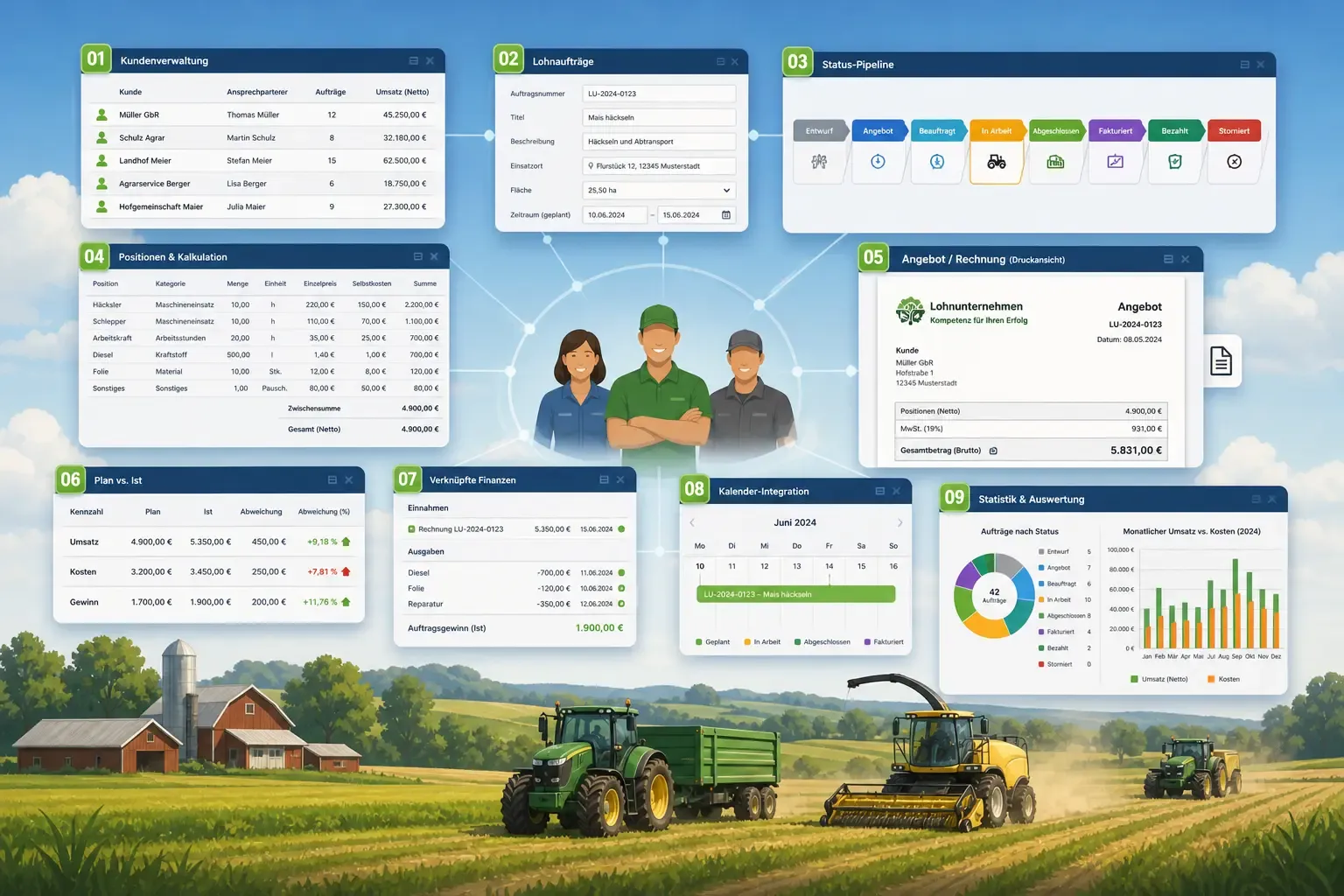
Contracting Business

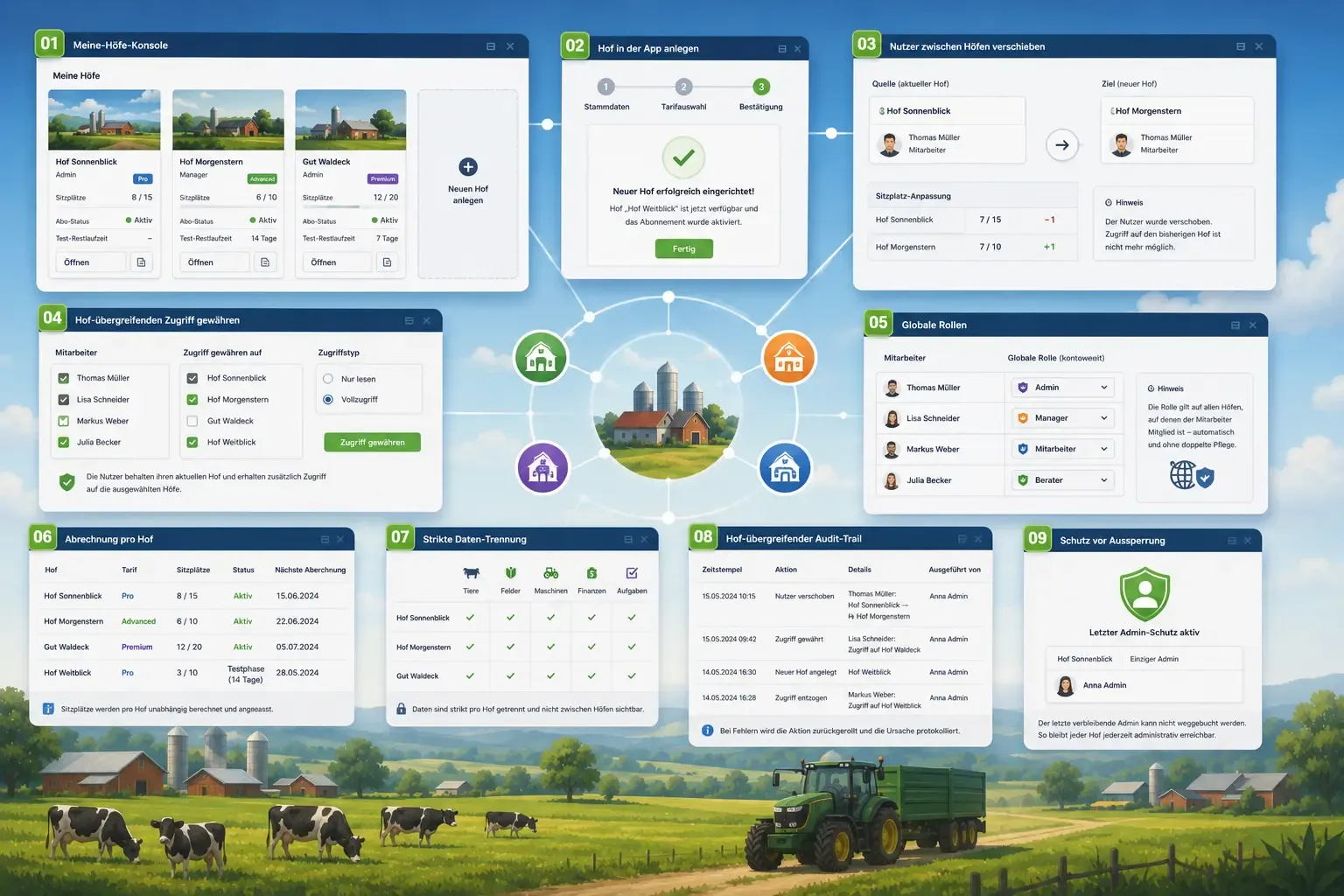
Multi-Farm Management

Analytics & Administration

Built for real farms and modern operations

Scale from small farms to large enterprises.