
Cycles on a barn sheet
Placement date, bird count and losses live on a sheet in the barn. By the end nobody quite knows whether this cycle ran better than the last.
Feed conversion and efficiency get worked out on a calculator in the evening: when anyone gets round to it at all.
Test dates and results have to be provable. The sheet sits in a folder rather than where the flock is kept.
Create each flock as layers or broilers, with the placement date and the number of birds placed. Closed cycles are kept, so the running one can be compared with the previous one instead of with a feeling.
You record placement, restocking, partial early removal (thinning), final removal, transfer and sale of live birds as arrivals and departures, with keeper, registration number and transport. An active flock counts with its current number of birds (arrivals minus departures, dead and culled birds) in the occupancy of its barn, and the stock register under § 2 (2) of the Avian Influenza Ordinance is generated per flock and period as a PDF.
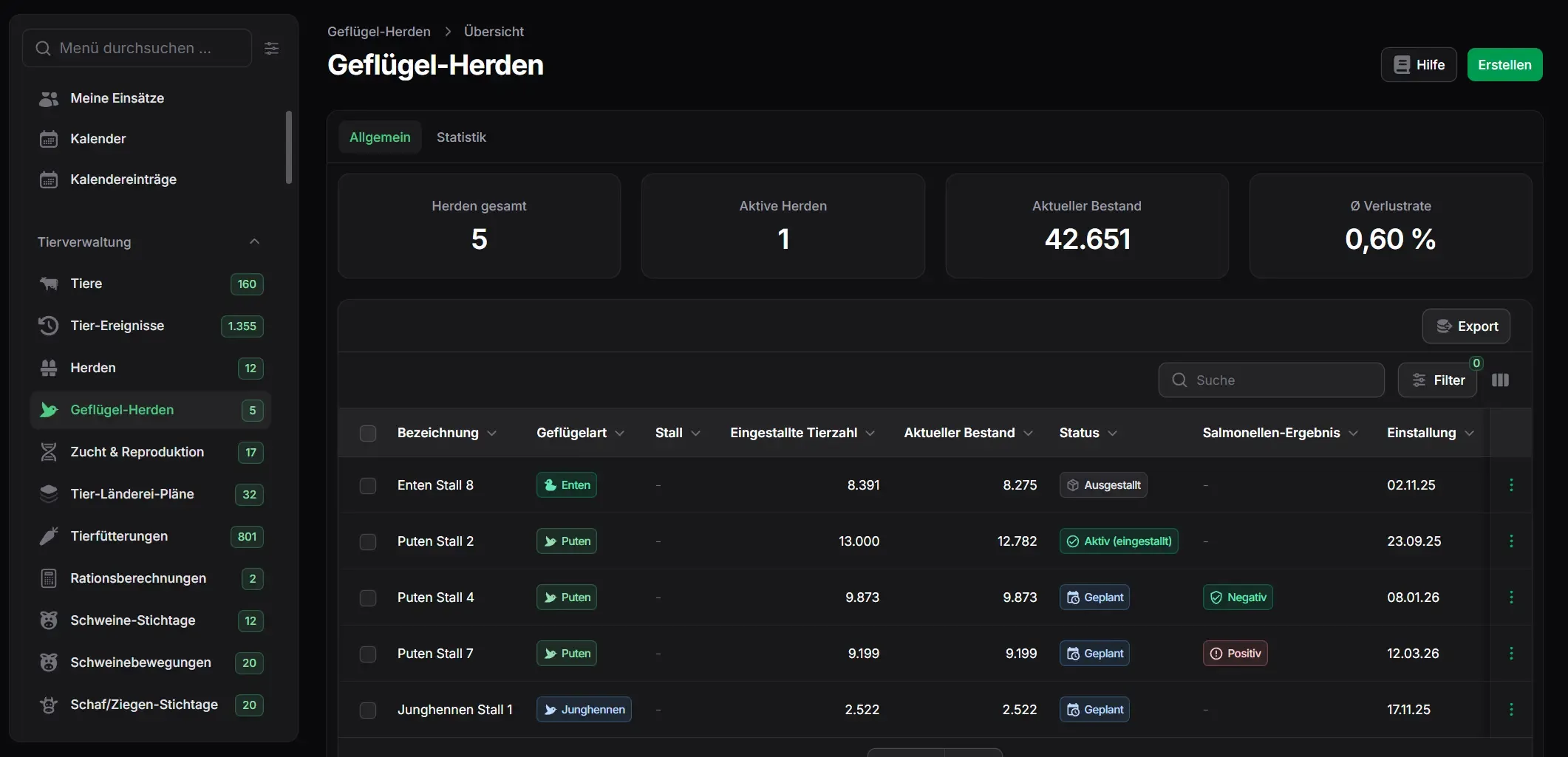
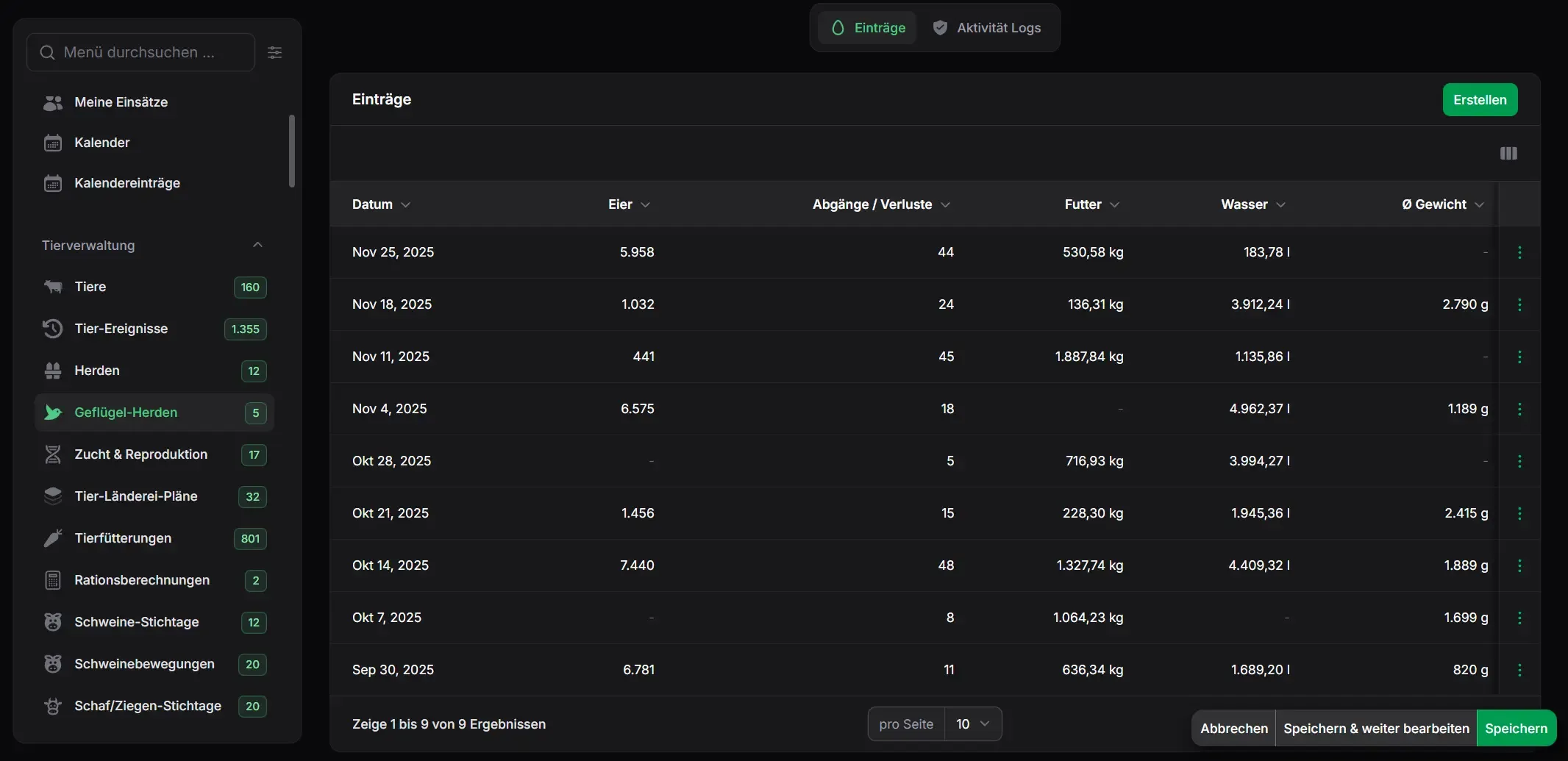
From the Business (Pro) plan, FarmManager calculates feed conversion (FCR) and the EPEF efficiency figure from departures and losses, total feed, average weight and age in days, from what you record anyway.
EPEF combines viability, average weight, age and feed conversion into a single comparable figure per cycle; the water-to-feed ratio stands beside them as a separate key figure. Loss rate, viability and, for layers, the laying performance FarmManager shows from the Farm (Basic) plan.
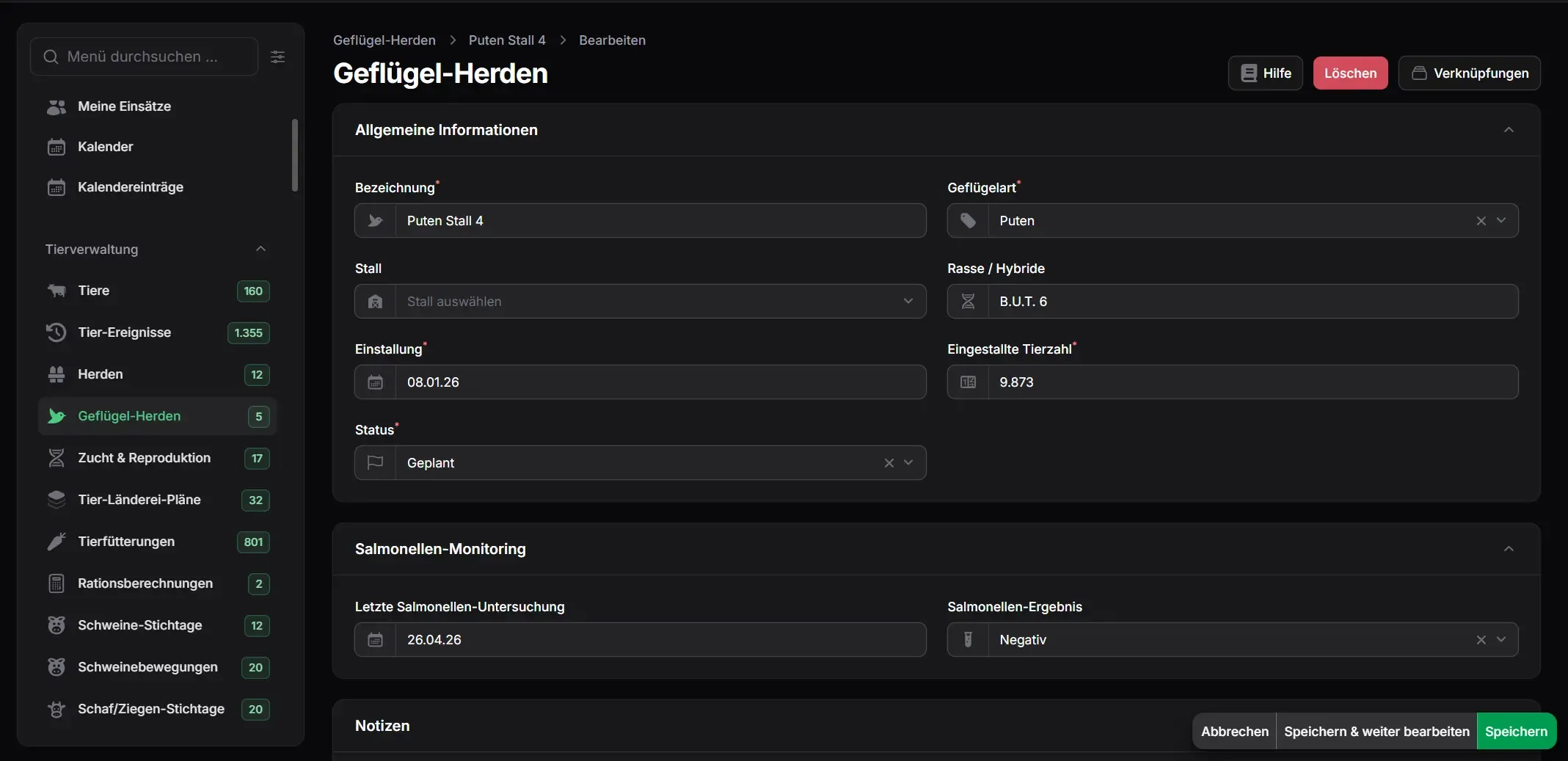
From the Business (Pro) plan you keep every salmonella sample on the flock, in-house and official ones, with sample type, lab and result, and for a positive finding the serovar and a checklist of measures.
Date and result of the last test come from the most recent sample, and above the list you see when the next sample is due under the Poultry Salmonella Ordinance. A positive result stands out in its own colour and notifies the users of the flock.
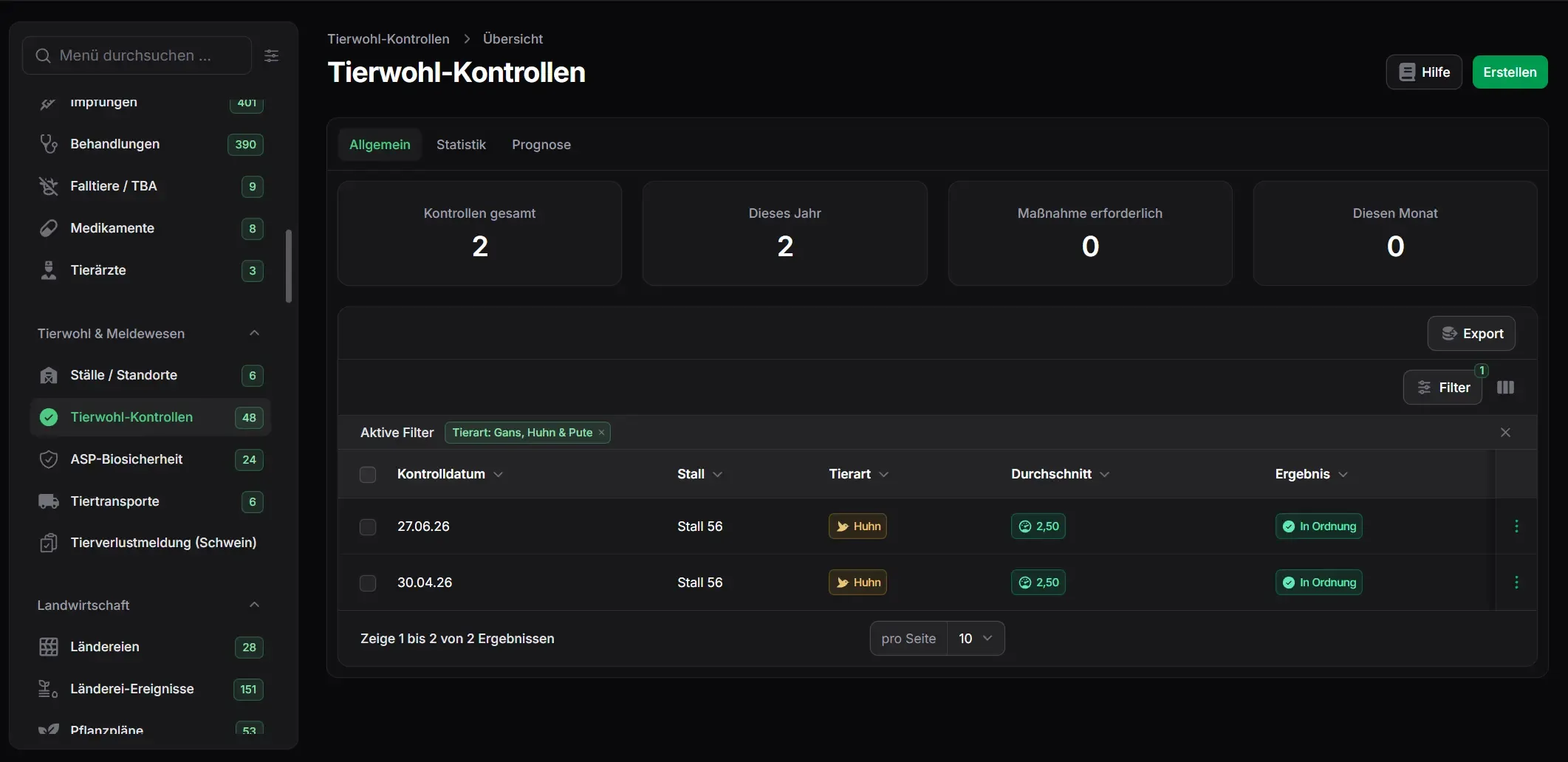
The TAM report under TAMG § 55 with the number of animals and production type goes to HI-Tier, a nil return is one click. Welfare checks work as they do for cattle and pigs.
A welfare check flagged as needing action marks itself accordingly, instead of only surfacing at the next review. For chickens and turkeys, FarmManager shows per flock where it stands with the ND vaccination under § 7 of the Avian Influenza Ordinance, and the flock's vaccination plan turns a date into the vaccination of the whole flock with one click.
Our Plan Recommendation
Business Pro
FCR, EPEF and the metric tiles, feed, water and weight per day and the salmonella samples are included from the Business plan. Poultry flocks with arrivals and departures, stock register, ND vaccination and vaccination plan, daily losses, eggs and laying performance are already in the Farm (Basic) plan.
DüV records and working hours recorded by the office are already included. The Enterprise (Premium) plan adds shift plan, time clock and payroll preparation.
Consultation and setup are free and included in every plan – from the Business (Pro) plan, connecting your machines as well.