
FarmManager video tutorials
The videos show the real application with sample data. Below each video the steps are written out again, using the button names exactly as they appear in FarmManager.
You can also find all tutorials on our YouTube channel. If you subscribe, YouTube will show you new tutorials as they come out. @FarmManagerCloud on YouTube
The basics
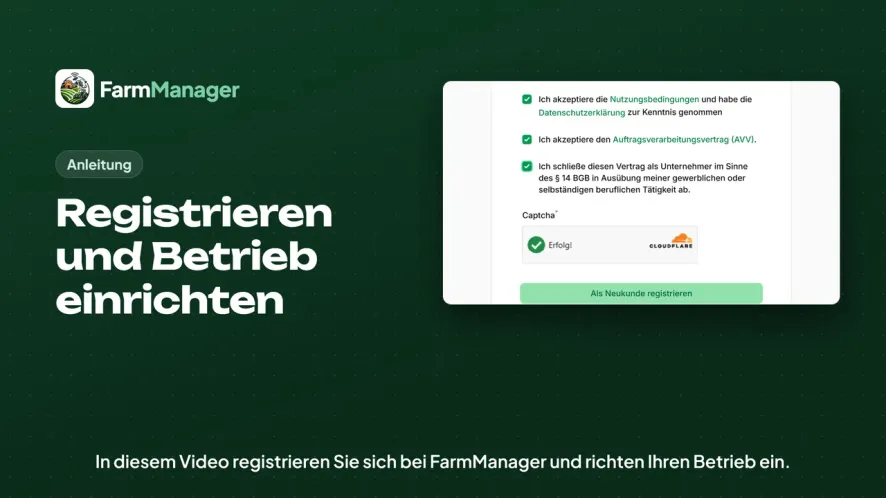
Register and set up your farm
You create an account with FarmManager, confirm your email address and enter your farm's details.
Duration: 3:47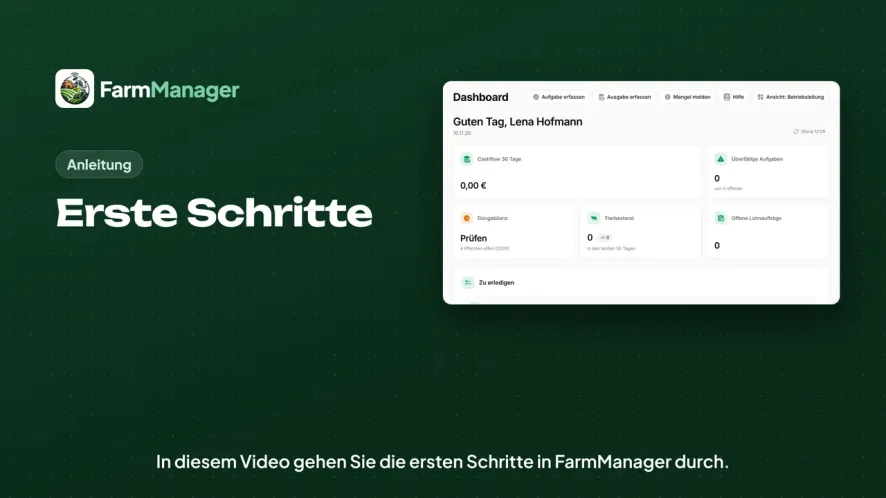
Getting started
You read the welcome window, set the livestock species and farm activities in the farm profile and choose which modules appear in the menu.
Duration: 2:28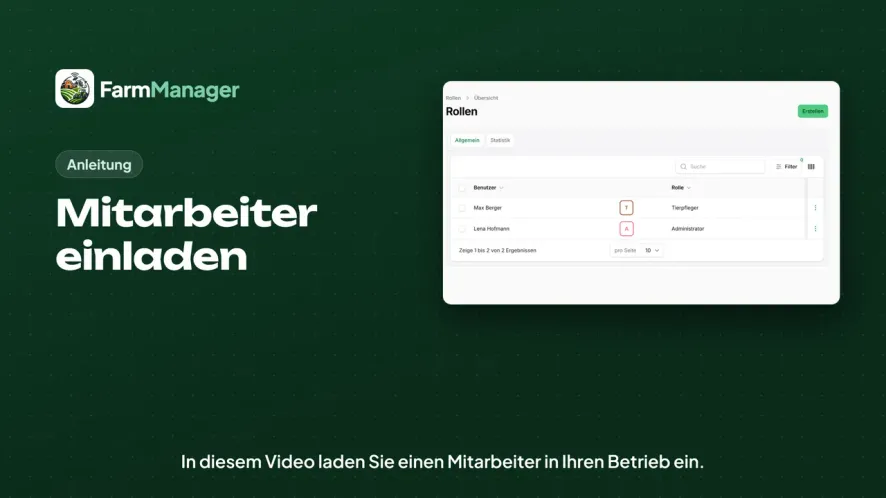
Invite employees
You add an employee as a user, give them a licence, a role and a permission, and see how they accept the invitation.
Duration: 2:52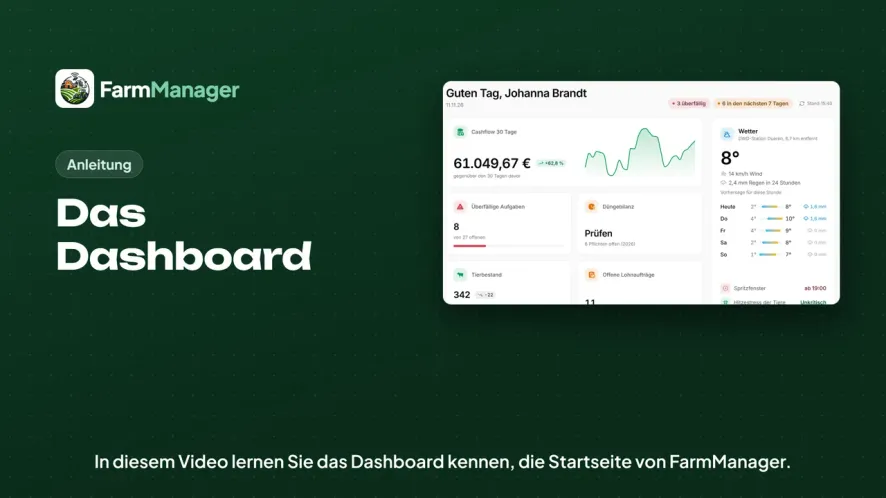
The dashboard
You get to know FarmManager's start page, see what is coming up and where the statutory deadlines are, and switch the view.
Duration: 2:47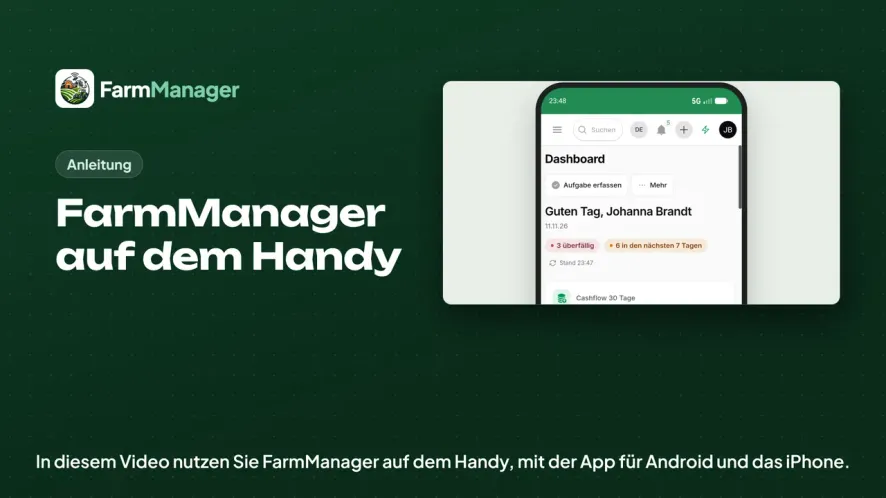
FarmManager on your phone
You sign in to the app for Android and iPhone and work with the thumb bar, the quick entries and the forms.
Duration: 1:56Animals & Barn
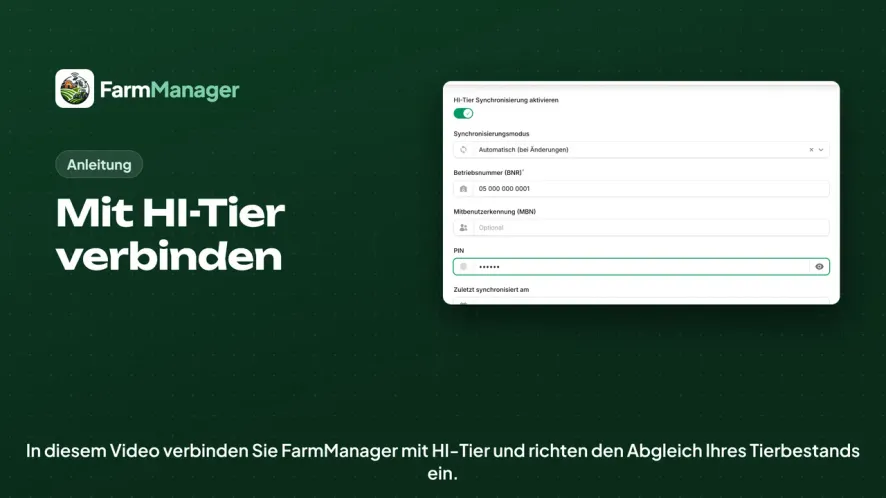
Connect to HI-Tier
You enter your farm number and PIN for HI-Tier in Farm Management and set up the synchronisation of your livestock.
Duration: 2:00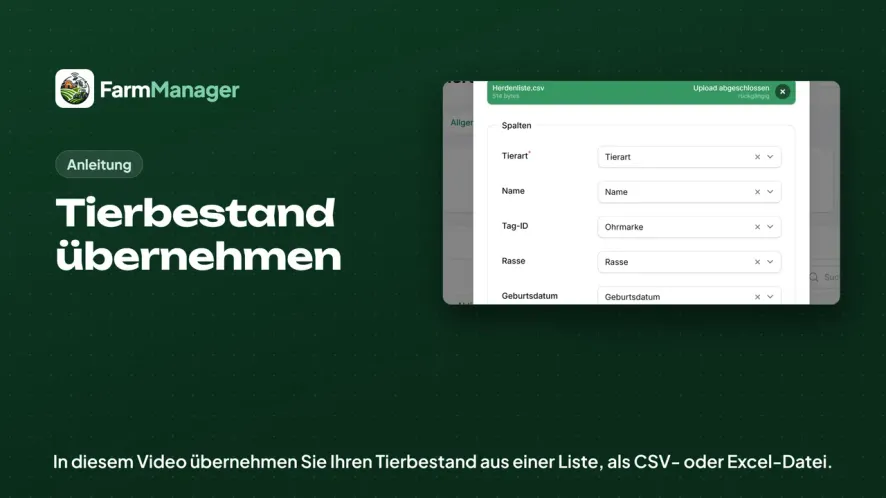
Import your herd
You import your herd from a CSV or Excel file, check how the columns are matched and then see your animals in the list.
Duration: 2:13Field & Machinery
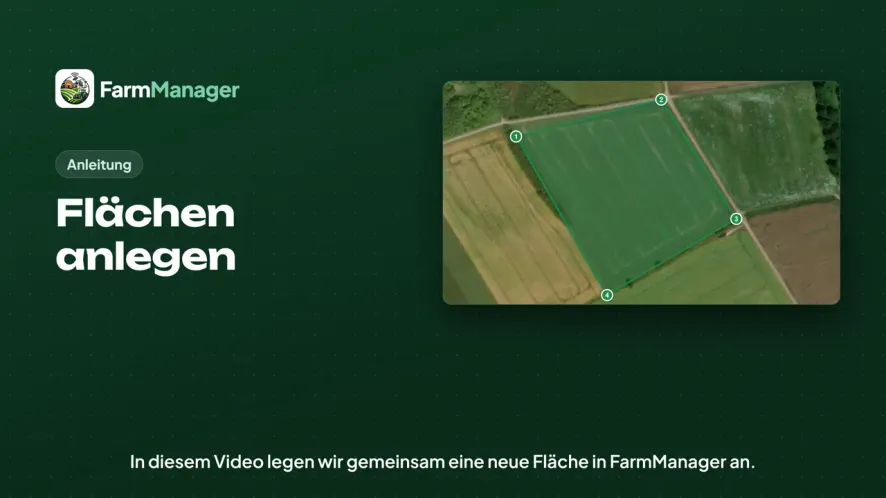
Create land areas
You create a land area, choose the land type and draw the boundary on the satellite image.
Duration: 2:03Try it yourself
Create an account and go through the steps from the videos with your own farm.