
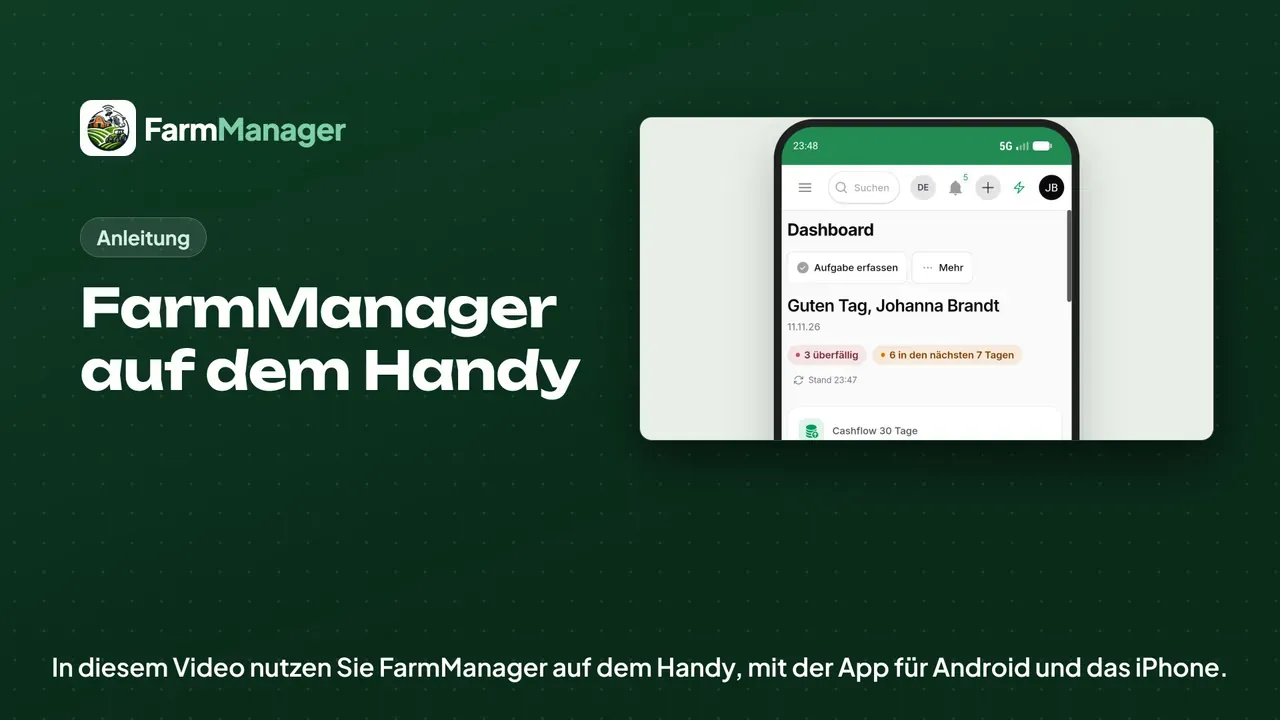
Open the app
You find the app under FarmManager in the Google Play Store and in the App Store.
On first launch you sign in with the same email address and password as on the computer. With Remember me you do not have to do this every time.
Thumb bar
The app then opens the dashboard, just like in the browser. The thumb bar sits at the bottom so that you can reach the most important things with one hand.
It includes the time clock and, on some farms, Milking today instead.
Tap Tasks. On the phone FarmManager shows lists as cards one below the other, and with the table icon you switch to the table.
Capture
With Capture you open the quick entries, for example to report a defect.
With Find animal by scan you scan the ear tag with the phone's camera.
Menu and forms
On the far right, Menu opens the sidebar with all areas. At the top you switch farm if you manage several.
For example, tap Animals and then Create to add a new animal.
In every form the bar for saving is at the bottom, within reach of your thumb. With Cancel you go back to the list.
Tips
In the user menu at the top right, switch on the app lock under Biometrics/PIN. FarmManager then opens only with your fingerprint or the PIN of the phone.
On Android the app also reads NFC ear tags, if the phone has NFC.
You connect Bluetooth readers for ear tags on Android and on the iPhone. To do so, tap the scan icon in the Tag ID field when you add an animal.